Build the working position before the fold
List what a normal working session needs: a laptop, separate keyboard, pointing device, notebook, monitor or task light. Place those objects on a temporary surface and sit in the chair you intend to use. Notice where your forearms rest, how far you reach and whether your legs have unobstructed space. A folding surface that fits a laptop may still be too constrained for the complete setup. Begin with the open workspace rather than treating the smallest closed profile as the main achievement.
For sustained computer use, a laptop alone can make it difficult to position the screen and keyboard independently. Consider whether your setup needs separate input devices or an appropriate screen support, and whether the desk is designed to carry them. The UK Health and Safety Executive provides display screen equipment guidance that is useful context, particularly where employment duties apply. It does not turn a particular desk into an ergonomic solution. Your chair, lighting, tasks and opportunities to change posture remain part of the arrangement.
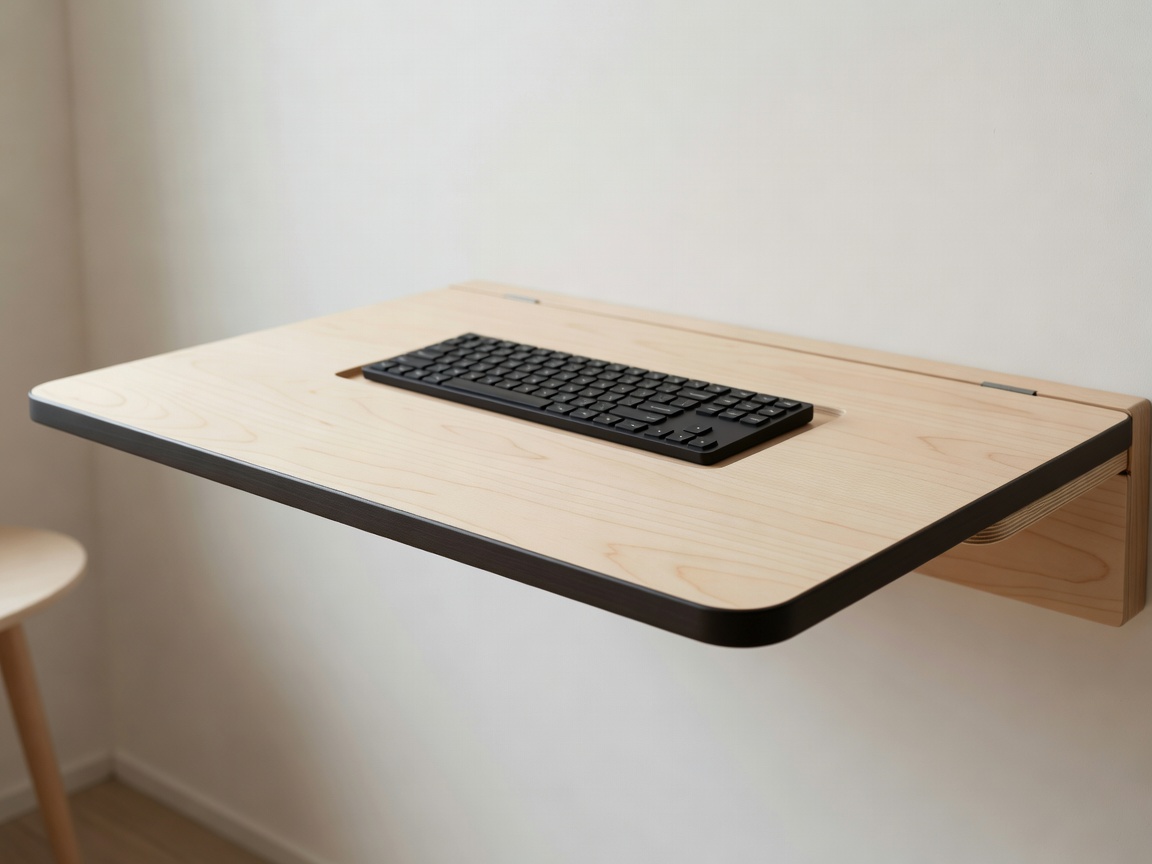
Distinguish furniture from installation
A wall-mounted drop-front desk transfers forces into its fixings and supporting wall. Knowing that the furniture has a stated load limit does not establish that your wall, anchors or installation are suitable. Wall construction, concealed services and the manufacturer’s specified fixing method all matter. Do not choose anchors by appearance or assume the supplied hardware is appropriate for every substrate. Where you are uncertain, have the installation assessed and carried out by a competent professional.
A freestanding folding desk avoids some wall-mounting questions but introduces its own support and locking sequence. Some cabinet-style units still require anti-tip attachment. Read the instructions for the exact product instead of assuming that “freestanding” means no fixing is needed. If you rent, obtain any required permission before drilling or altering the property. Never substitute an improvised removable attachment for a specified structural fixing simply because it would leave a smaller mark on the wall.
or cabinet
and occupied chair
Follow cables through the moving joint
Trace each cable from the device to its power source or connection point. The route must remain clear of hinges, catches and closing edges. Do not assume that a visible gap is a cable channel or that a cord can safely bend wherever the furniture folds. Follow both the furniture instructions and the equipment guidance. Some setups require equipment to be unplugged and removed before closure. Treat that as a normal operating requirement rather than something to work around with an improvised slot.
Keep power equipment accessible and use it only as directed by its manufacturer. Avoid trapping adapters in enclosed spaces or arranging cords where people walk. Check whether a device can remain in a cabinet when the front closes; storage clearance is not the same as suitable operating ventilation. A desk that closes around a powered laptop may look orderly while creating a poor equipment environment. The aim is an understandable, repeatable cable routine, not merely the absence of visible wires in a photograph.
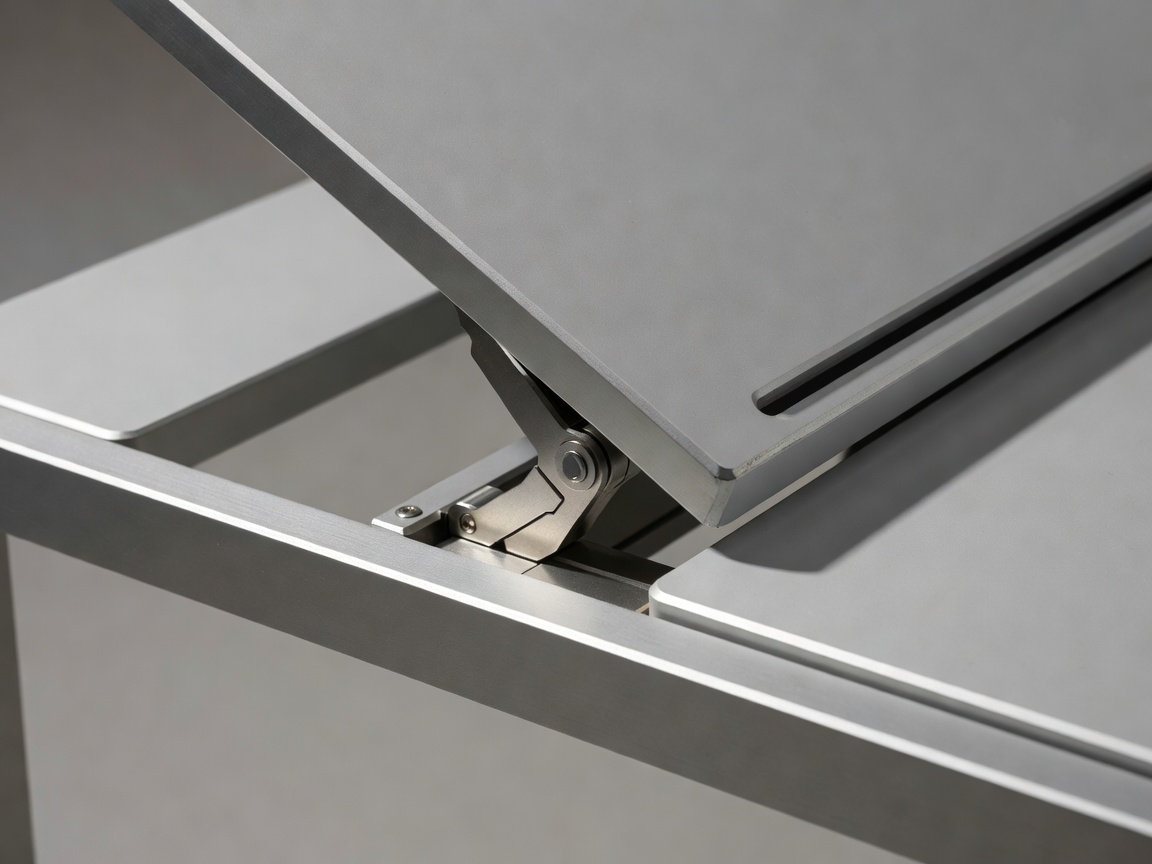
Plan the entire closing ritual
At the end of the day, where does the chair go? Where do the keyboard, work documents and monitor belong? A wall surface can disappear while the rest of the office remains scattered around it. Give each object a deliberate destination and check that retrieving it tomorrow is equally manageable. If the desk requires a heavy monitor to be lifted every evening, consider whether a different room arrangement would reduce effort. The most compact solution is not always the most sustainable daily habit.
Test the sequence without rushing: clear the surface, handle equipment as instructed, release the supports and close the unit. Make sure the final latch or lock is properly engaged. Never force a front panel shut over an object or a cable. Review the desk’s surface load, shelf limits and any restrictions on monitor arms. A clamp can concentrate forces in a way a lightweight notebook does not, so compatibility needs confirmation rather than an assumption based on the total stated weight capacity.
| Record | Confirm with | Purpose |
|---|---|---|
| Open worktop width, depth and height | Exact model specification | Working posture and equipment layout |
| Closed depth and opening travel | Installation drawing | Room circulation in both states |
| Legroom and occupied chair position | Room rehearsal | Comfort and access |
| Fixing method and permitted loads | Instructions and qualified installer | Suitable structural support |
EN 527-1 concerns dimensions of office work tables and desks; EN 1335-1 concerns dimensions of office work chairs. ISO 9241-5 addresses workstation layout and postural requirements. These are reference points for asking better questions, not a claim that every domestic folding desk has been assessed against them. Choose the setup that makes both working and stopping work straightforward. A satisfying final fold is valuable only when the hours before it are workable too.